
 Sign In










 Webinars
 Vulnerability Disclosure
 Platform Tour
 ROI Calculator
 Deliverability Guarantee
 Academy
 Free Email Verification
 Video Tutorial
 API Documentation
 Press Release
 FAQ
FAQ
Team Account
Manage your team efficiently with centralised access, role based permissions, and streamlined collaboration across your Gamalogic account.

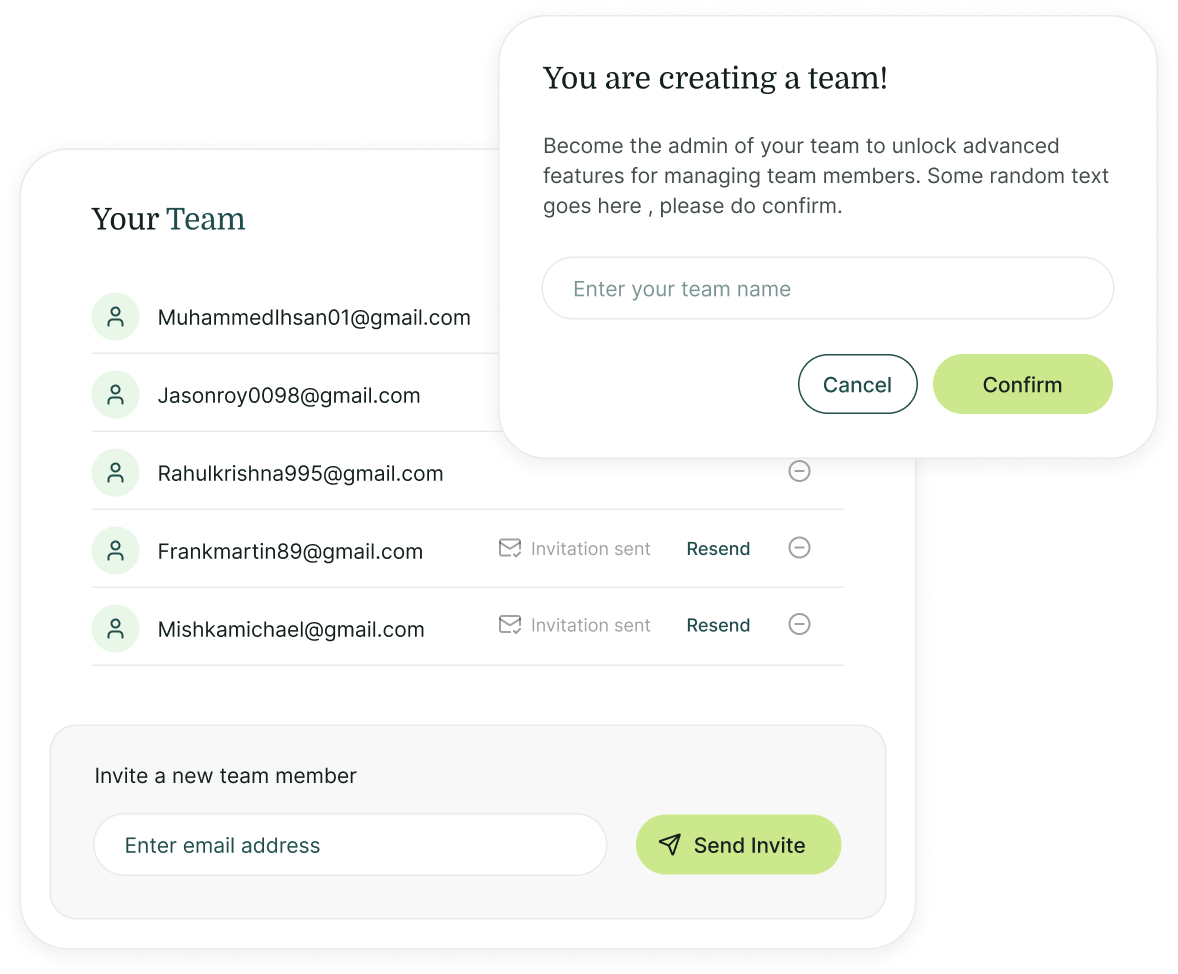
Invite Team Members

Invite your team to collaborate securely
Invite team members to your Gamalogic workspace, assign roles and permissions, distribute tasks, and manage access easily. As the team admin, you control roles and permissions, ensuring each member has the appropriate access level to perform their duties effectively.

Distribute tasks and credits across team members
Assign customisable roles and distribute account credits among team members. Define permissions for Admins and Users to delegate tasks securely while maintaining control, transparency, and operational efficiency.
Team Member Features
| Features of the application | Team Member | Admin |
|---|---|---|
| Email Validation and Finder |
 Yes Yes |
Yes |
| Verification and Result File Download |
Yes |
Yes |
| Integrations, API and WebHooks |
Yes |
Yes |
| Verification and Result File Download |
Yes |
Managed by Admin |
| Owns The Accounts |
Yes |
Managed by Admin |
| Team Management |
Yes |
 No
No |
| Credit Management |
Yes |
No |
| Access to Members List |
Yes |
No |
| Buy Credits |
Yes |
No |
| Billing |
Yes |
No |
Got some
Questions?
We’ve got answers.


What is a Team Account and how does it benefit my organisation?
How can I invite team members to my account?
What roles are available in Gamalogic Team Account Management?
Who should use the Gamalogic Team Account feature?
Can multiple users share the same verification credits?
Can administrators control team member access?
@ 2025 Gamalogic All rights reserved.