
 Sign In










 Webinars
 Vulnerability Disclosure
 Platform Tour
 ROI Calculator
 Deliverability Guarantee
 Academy
 Free Email Verification
 Video Tutorial
 API Documentation
 Press Release
 FAQ
FAQ




Why Email Addresses in Zoho Campaigns Require Validation
Zoho Campaigns is built for sending newsletters, promotional emails, product updates, and automated email journeys at scale.
Email lists inside Zoho Campaigns often come from website forms, CRM syncs, imports, events, or legacy databases.
Without validation, these lists can quietly accumulate invalid, outdated, or risky email addresses—long before the first campaign is sent.
That’s where Gamalogic Email Validation for Zoho Campaigns becomes critical.
🚫 High Hard Bounce Rates
Newsletter campaigns sent to invalid or non-existent inboxes immediately generate hard bounces, which directly impacts campaign performance and future inbox placement.
📉 Poor Sender Reputation & Deliverability
Zoho closely monitors bounce rates and engagement. Repeated sends to bad addresses can reduce sender reputation, causing newsletters to land in spam—or not get delivered at all.
⏳ Manual List Cleanup Before Every Campaign
Marketing teams often spend hours exporting lists, running checks, and re-importing data before every send—slowing down campaigns and increasing the risk of human error.
Gamalogic + Zoho Campaigns = Newsletter-Ready Email Lists
With Gamalogic integrated into Zoho Campaigns, email validation becomes a built-in pre-send safeguard.
How It Works
Emails are validated directly from Zoho Campaigns lists
No manual exports or external tools
Validation fits naturally into your campaign preparation flow
Designed for Marketers
One-click validation before newsletters go out
No technical setup or coding required
Clean lists without disrupting campaign schedules
Automated Validation & Classification for Campaign Success
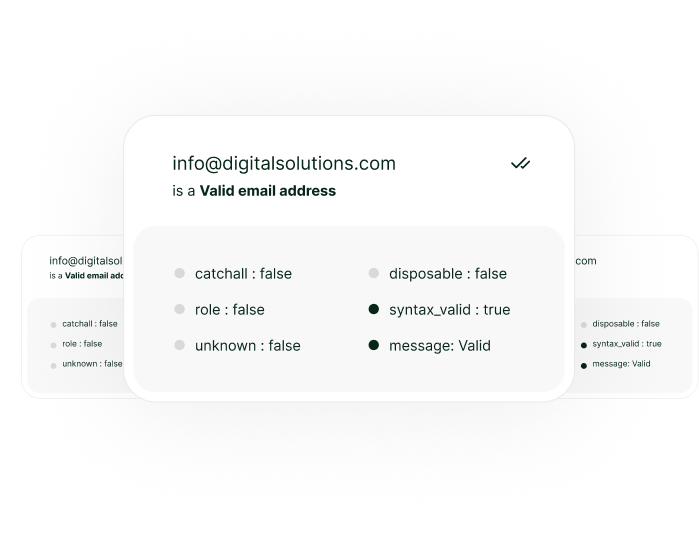
Gamalogic automatically checks each email and classifies it into clear, actionable categories:
Valid – Safe to send newsletters and promotions
Invalid – Non-existent or malformed addresses
Risky – Low-quality or unreliable inboxes
Disposable – Temporary emails that harm engagement
Catch-all – Domains that may accept but not deliver
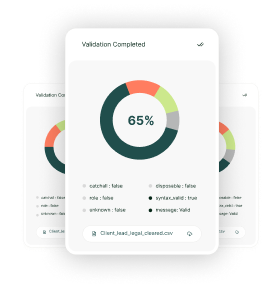
Validation results are written back to Zoho Campaigns, allowing marketers to filter, suppress, or segment before hitting “Send”.
Integration workflow example
(step-by-step)

1. Connect your account
Log in to Emailable and allow us to access your Mailchimp account
2. Select your data
Upload the email data that you would like to verify from your preexisting lists.
3. Export your results
Send your clean list back to Mailchimp, or download it directly.

Read Our
Documentaion
Let us show you how our verification solution works. We will be in touch as soon.
Why it works?

Keeps your sending list healthy
by filtering out “bad” addresses before you hit “send”.

Protects your domain/IP from reputation damage
that happens when you send to invalid/untrusted addresses.

Gives you seamless integration
inside the tools you already use — minimal friction, high adoption.
Who Should Use ?

who want better deliverability

growing their user base

working with lead-gen tools

running promotional campaigns

wanting scalable clean data

managing multiple Zoho Campaigns accounts
Got some
Questions?
We’ve got answers.


We integrate with the platforms you love , Why Worry to code?
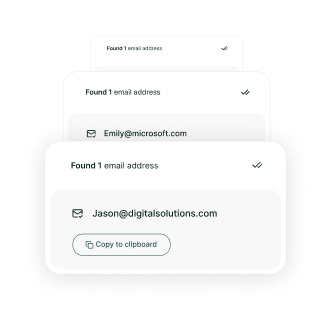
Integrate validation into your app with a single endpoint. Validate emails, find addresses, or upload files via our API.


@ 2025 Gamalogic All rights reserved.